Client portal for construction projects

Give each client a sign-in to their own job: the schedule, the documents you share, the questions to answer and their change requests, on a free seat.
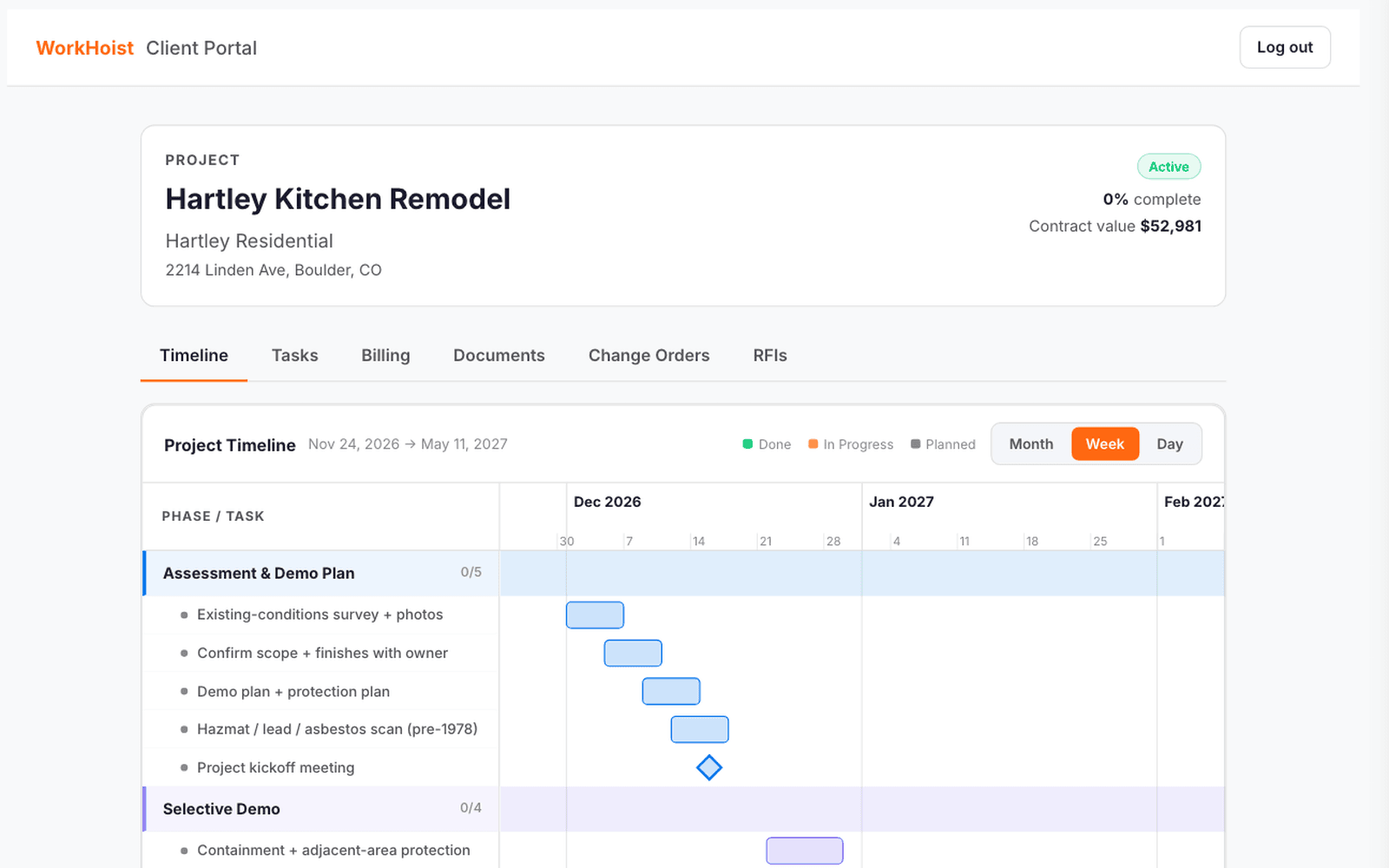
The client’s view of Hartley Kitchen Remodel: status, percent complete, contract value and the timeline of phases and tasks, with tabs for tasks, billing, documents, change orders and RFIs.

How client & contractor portals works in WorkHoist

6 steps
  1. Invite the client to their job

    Add the client from Team & Users with their email and the job. They get a link to set a password, and clients are free seats.

  2. Their own job, at a glance

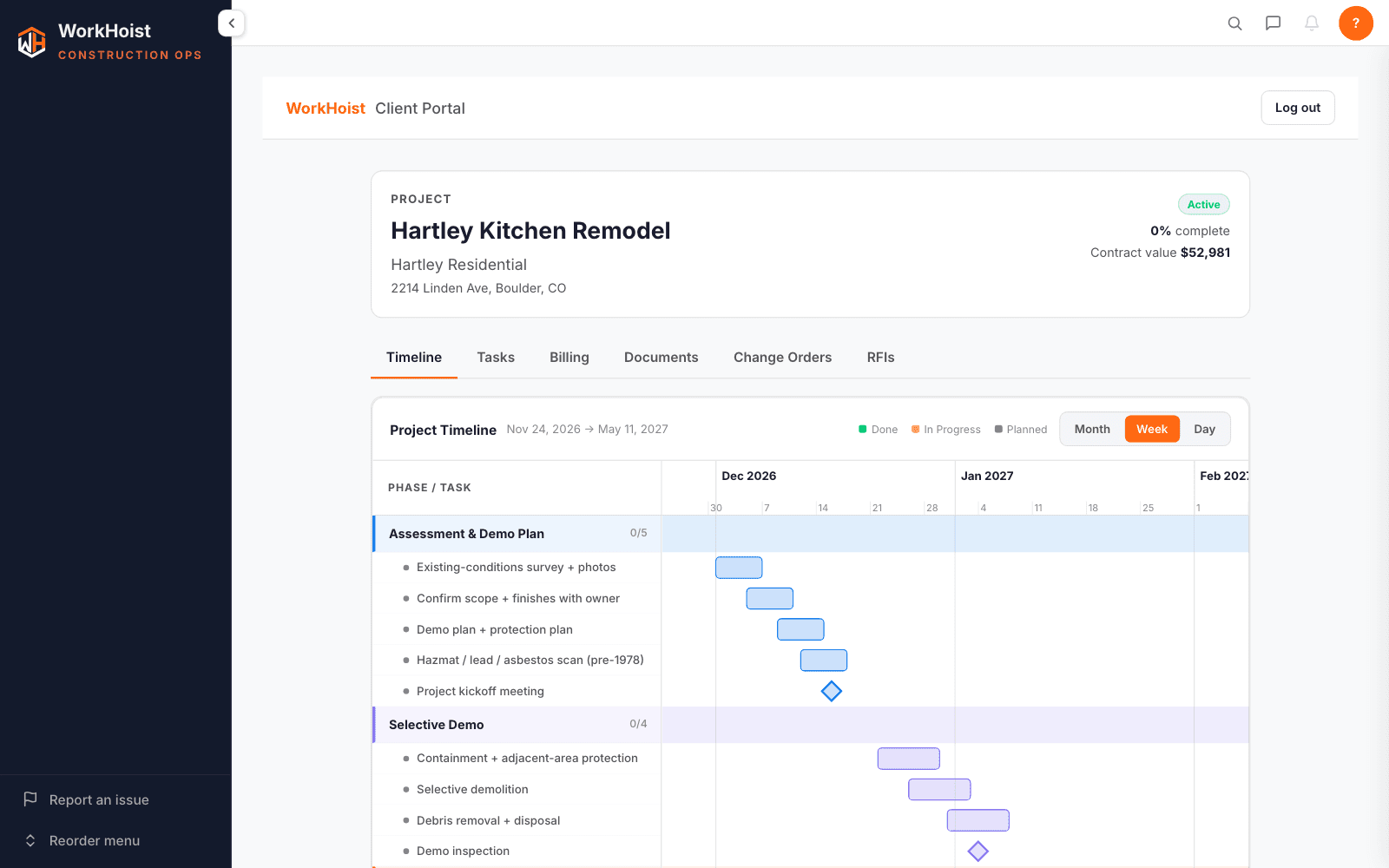
    The client portal for Hartley Kitchen Remodel: status, percent complete, contract value and the timeline of phases and tasks.

    The client signs in to their job: its status, how far along it is, the contract value and the schedule by phase, with the tasks under each.

  3. Share the documents they need

    Tick Share on a drawing or document in the job and it appears in the client’s portal. Everything else stays in the office.

  4. Documents in one place, both ways

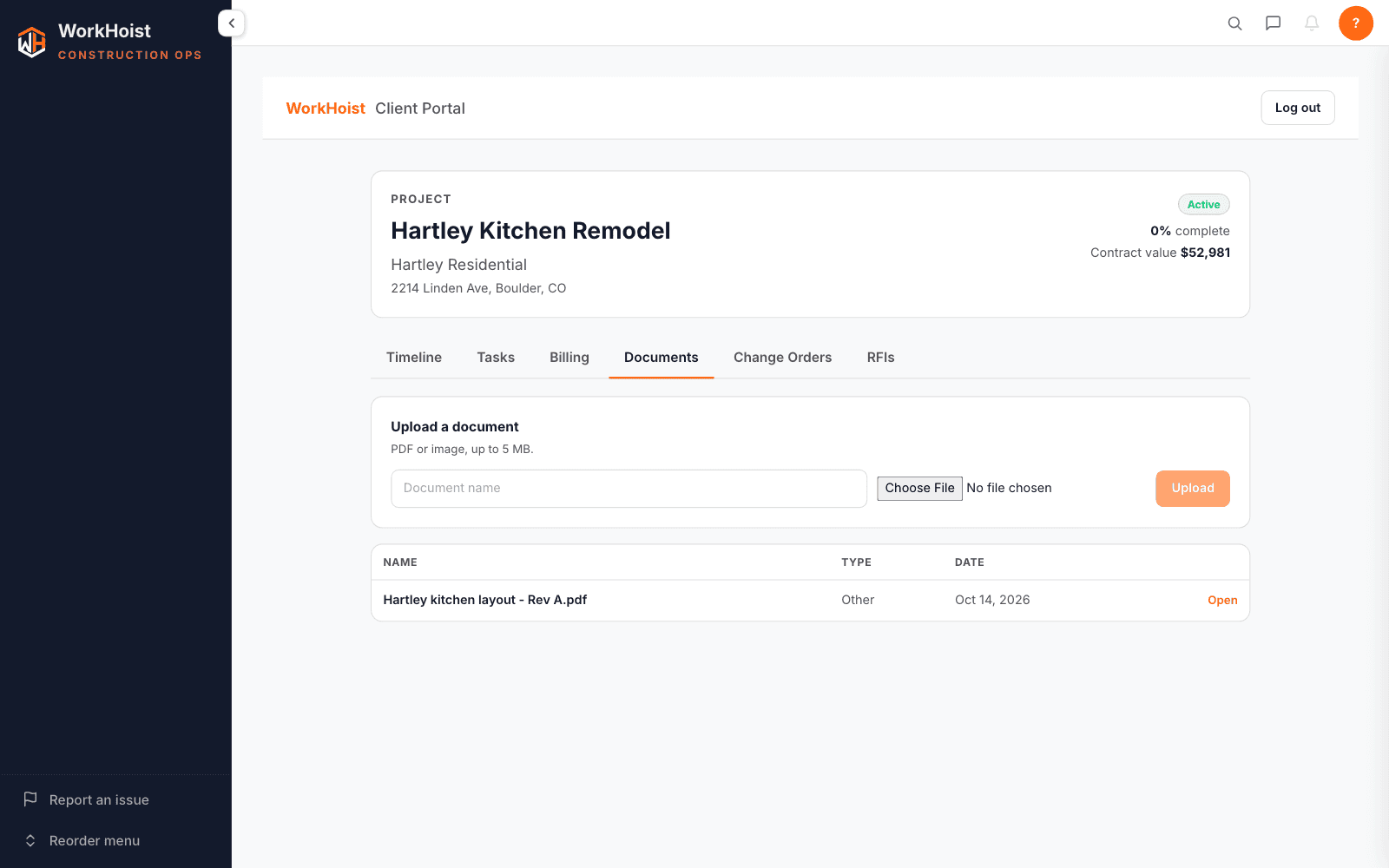
    The client’s Documents tab with the shared kitchen layout and a form to upload a document.

    The client sees the documents you have shared and can upload their own, as PDFs or photos.

  5. Questions answered in the portal

    Assign an RFI to the client and it waits for them in the portal. They type the answer and submit it, and it goes back to whoever asked.

  6. Change requests from the client

    Clients request a change with a description, an amount and extra days if they want. The request lands on the job for you to price and approve.

Common questions, answered straight.

Straight answers on client & contractor portals. Anything else, ask on a demo call and we will show you on your own jobs.

Book a demo →
Their own job: status, progress, contract value, the schedule and tasks, the documents you share, the questions put to them and their change requests.
Clients are free seats, as are subcontractors and field crew; you pay for the people who run the jobs.
Yes. Grant portal access from a sub’s contact and they sign in to WorkHoist for their own work and equipment.
Every plan. Every feature is switched on for every plan; plans differ by how many paid seats you need and the onboarding you get.

See it on your own jobs

14 days free · No credit card · Cancel anytime · Your data exports with you