Free construction field app for your crew
On the App Store and Google Play. Today’s tasks, clock in and out, photos and the daily log, working offline and syncing when the signal is back. Every crew seat is free.


 WorkHoist Field
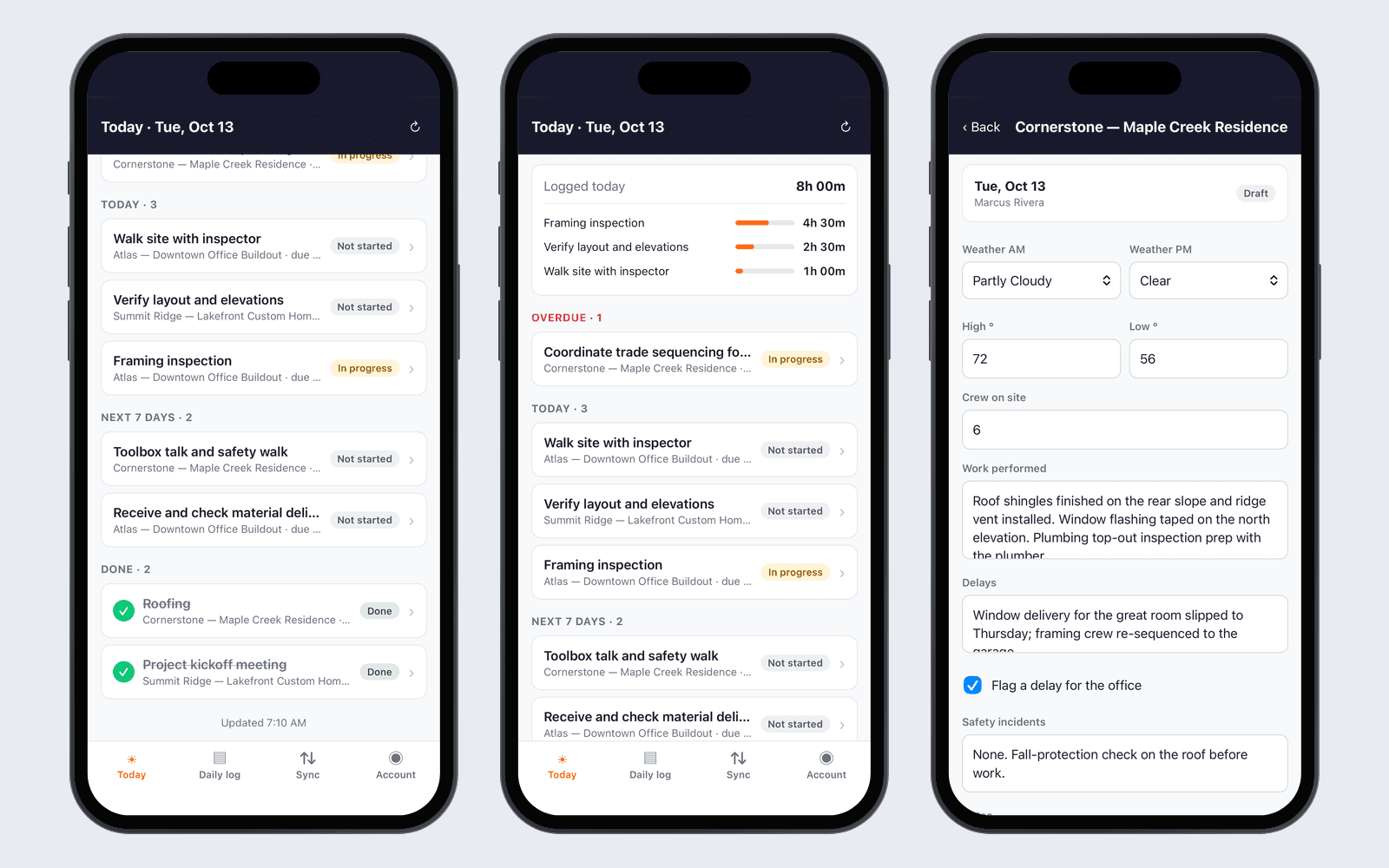
How field app works in WorkHoist
6 stepsToday’s work on one screen
Your crew open the app to the tasks assigned to them, grouped by overdue, today, the next seven days and done, with the hours they have logged today.
Clock in and out on the task
Tap Clock in on the task and Clock out when the work is done. The hours land on that task, split at midnight when a shift runs late.
Photos from the job
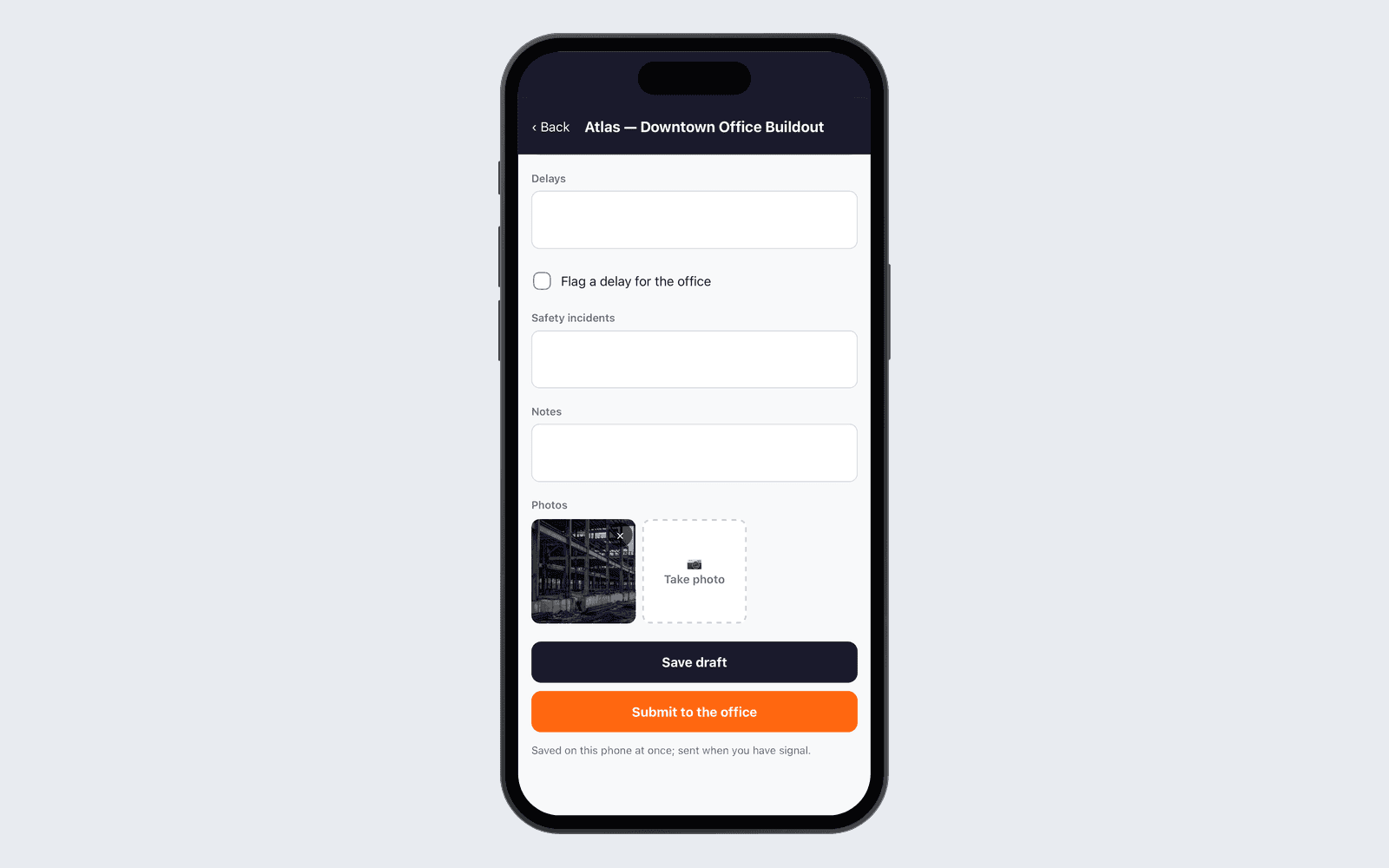
Take photos with the phone camera for the day’s log. They are stored privately with the job.
The daily log, filed from site
Weather, crew, work done, delays, safety and notes, with photos. Save a draft and submit it to the office when the day is done.
Works offline, syncs when the signal is back
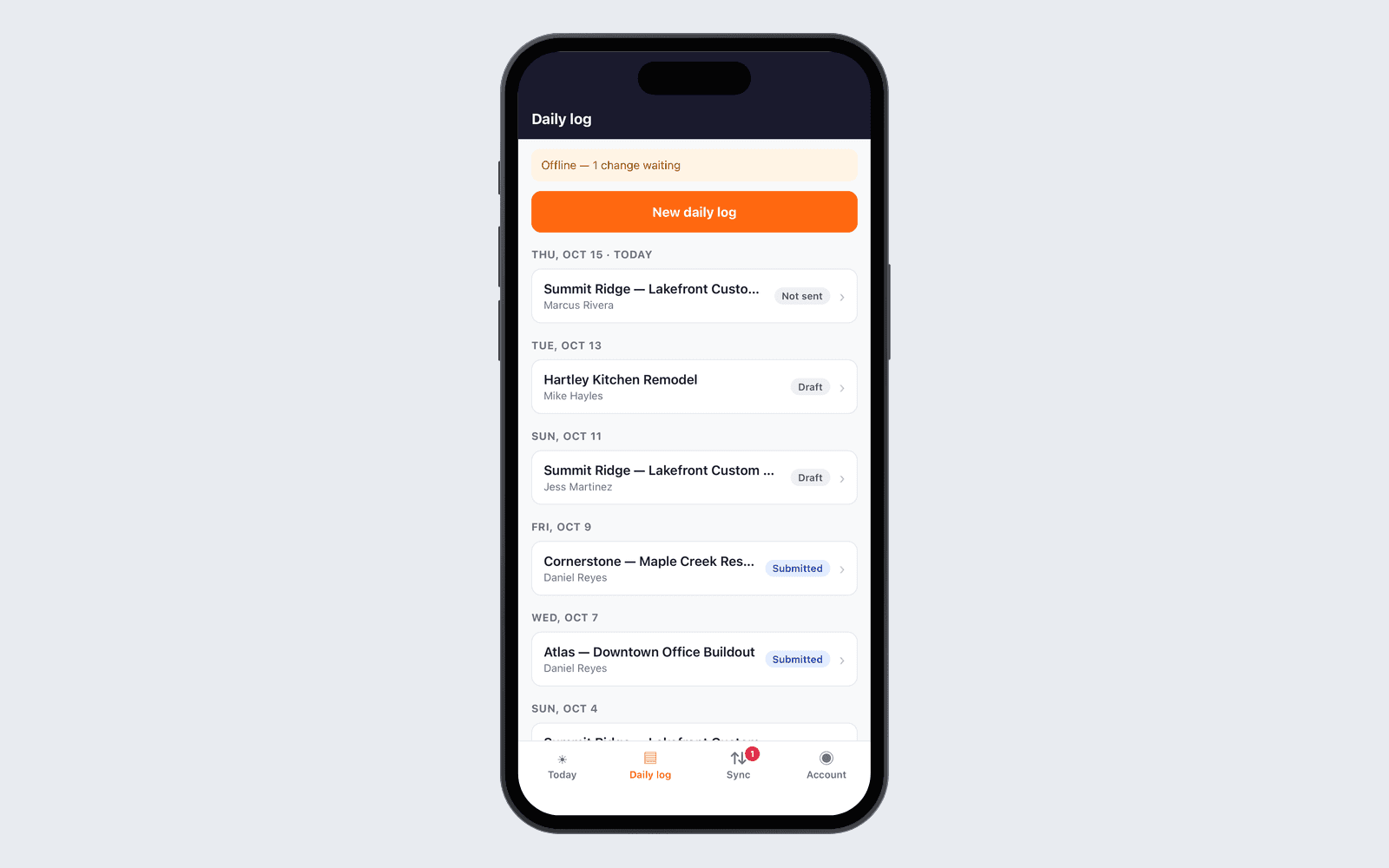
Changes are saved on the phone at once and sent when the signal returns, with a Sync screen showing anything still waiting.
Hours land on the job
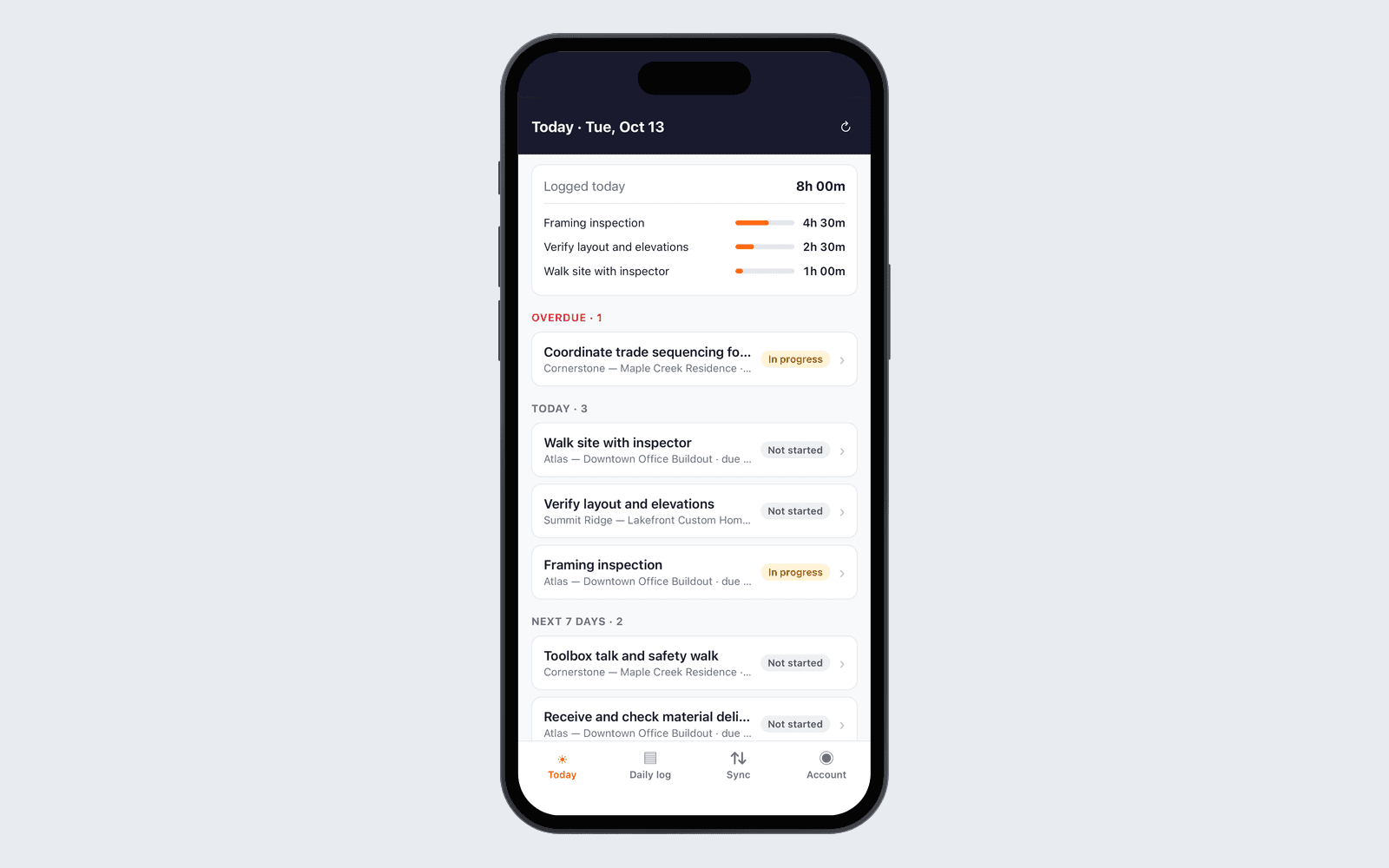
Hours from the app go to the same task in WorkHoist, so the office sees them on the job, in My Work and in Logged Time as soon as the phone syncs.
WorkHoist Field — the jobsite app for your crews. Clock in and out, see today’s tasks, take progress photos and file the daily log. Works with no signal and syncs when you’re back on one.
Needs a WorkHoist login from your office.