Construction email and team messaging in one place
Your Gmail or Outlook inside WorkHoist, every email linked to the job it is about, project documents attached in two clicks, and team chat on every job.
How email hub & messaging works in WorkHoist
7 stepsConnect Gmail or Outlook
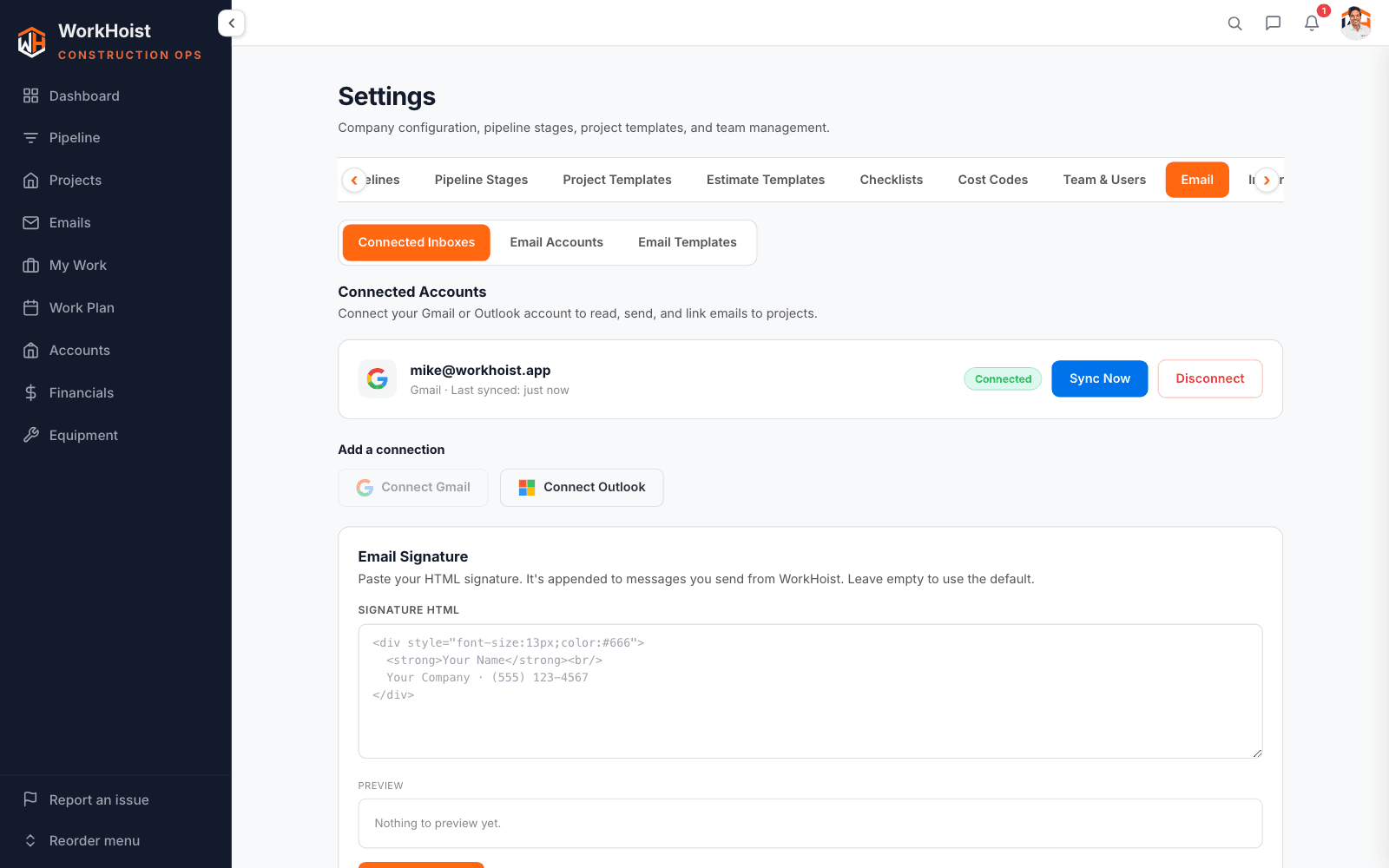
Connect your mailbox once in Settings. WorkHoist syncs it, and email you send goes out from your own address with your signature.
Your inbox, inside WorkHoist
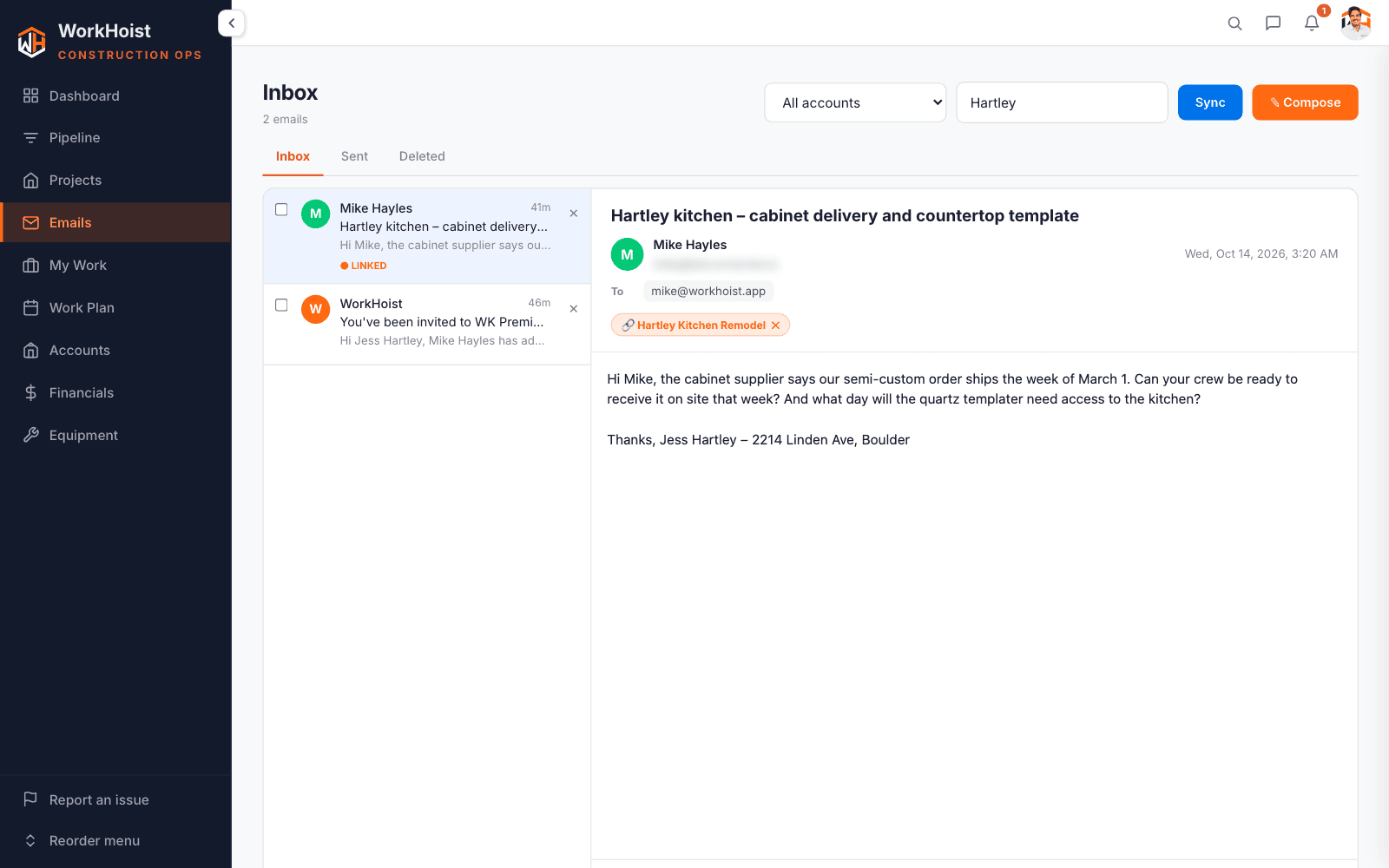
Read, search and reply to your email beside the jobs you are working on.
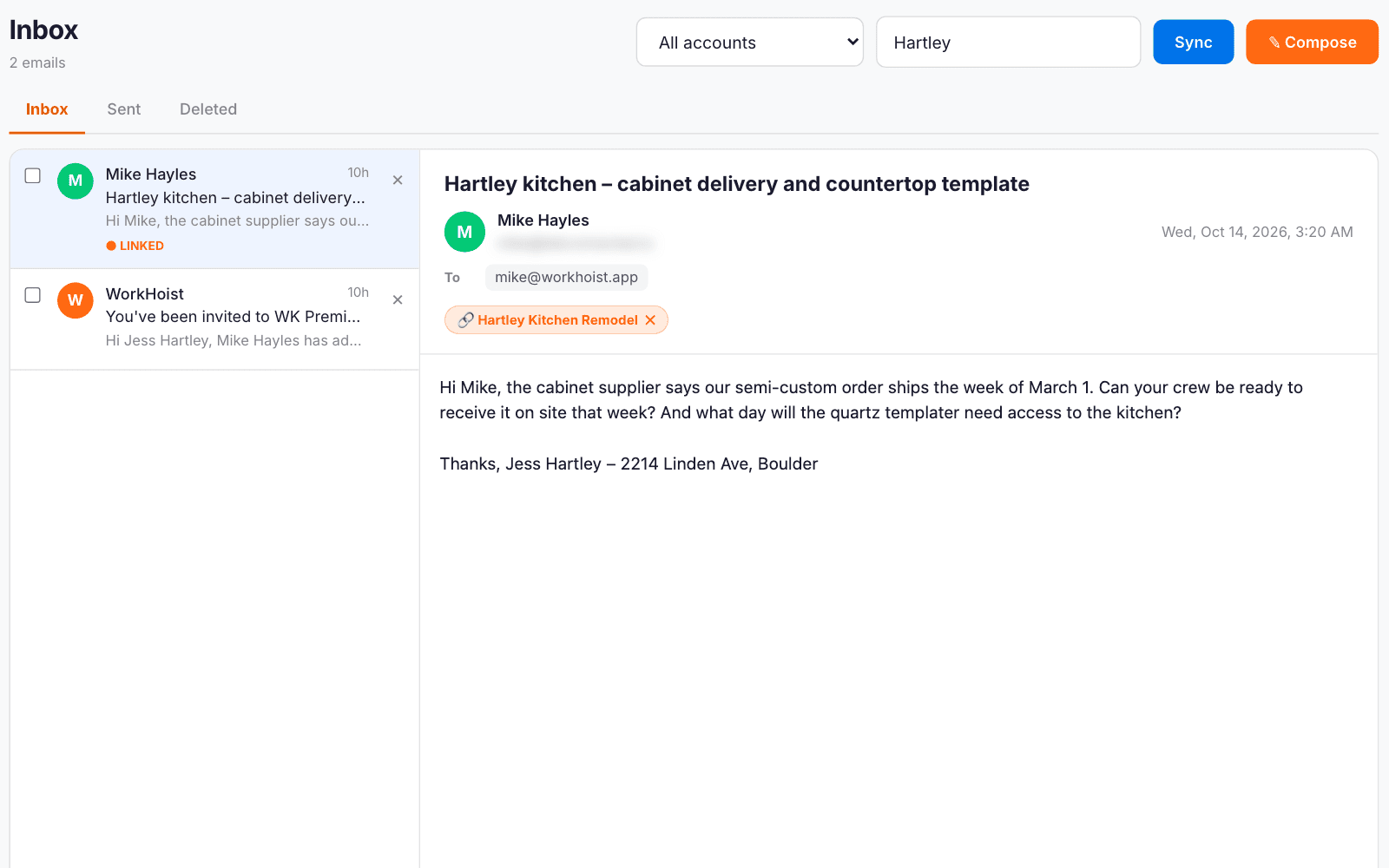
Link the email to the job
Link any email to a project or a deal. Linked mail is shared with the team on that job, so the conversation sits with the work.
The conversation on the job
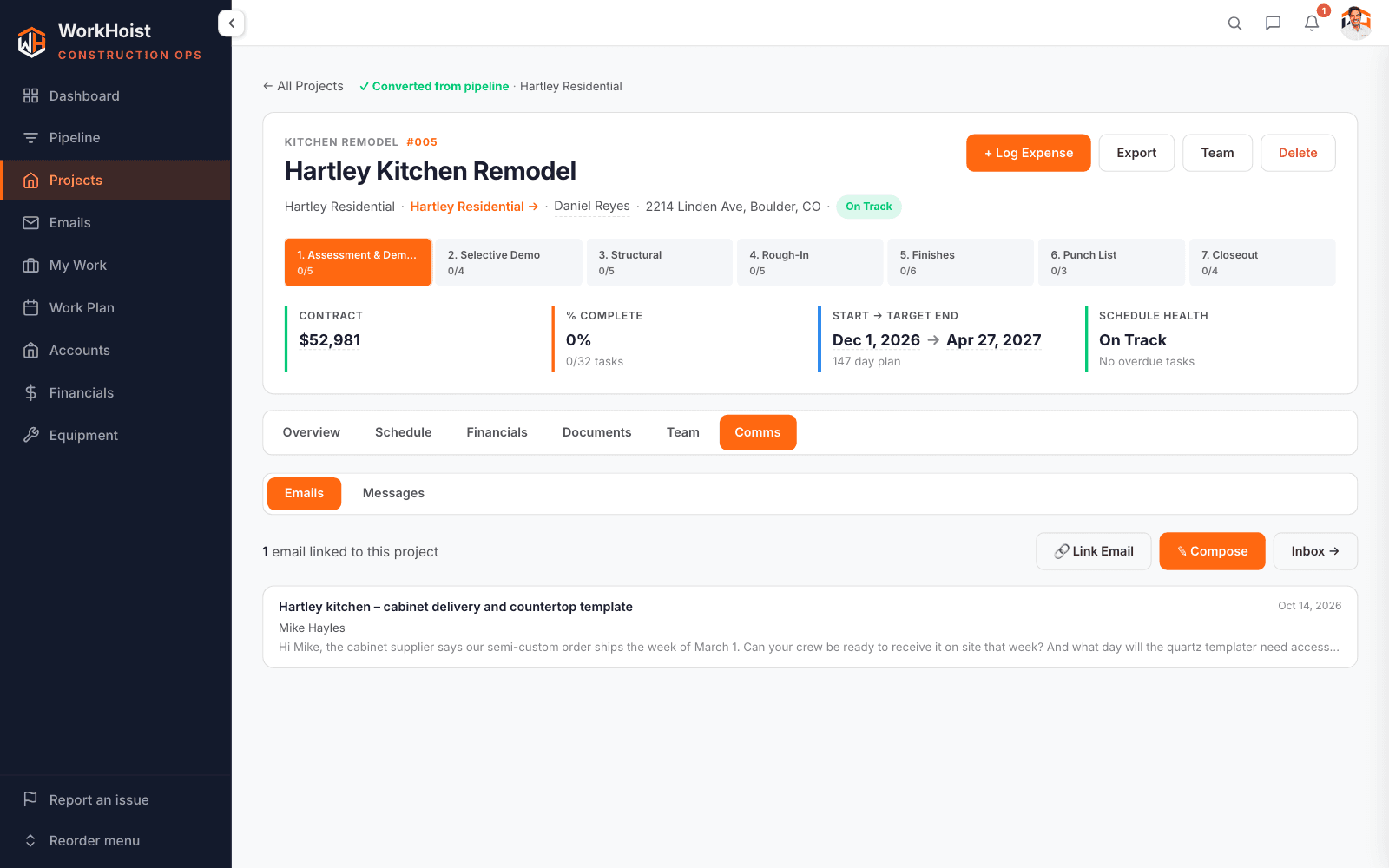
Every linked email shows on the job for anyone working on it.
Attach documents from the job
Compose from the job and attach its estimates, invoices, purchase orders, change orders and files, turned into PDFs as you attach them.
Team chat on every job
Each job has its own chat for the people on it, with @mentions, replies and attachments.
Channels and direct messages
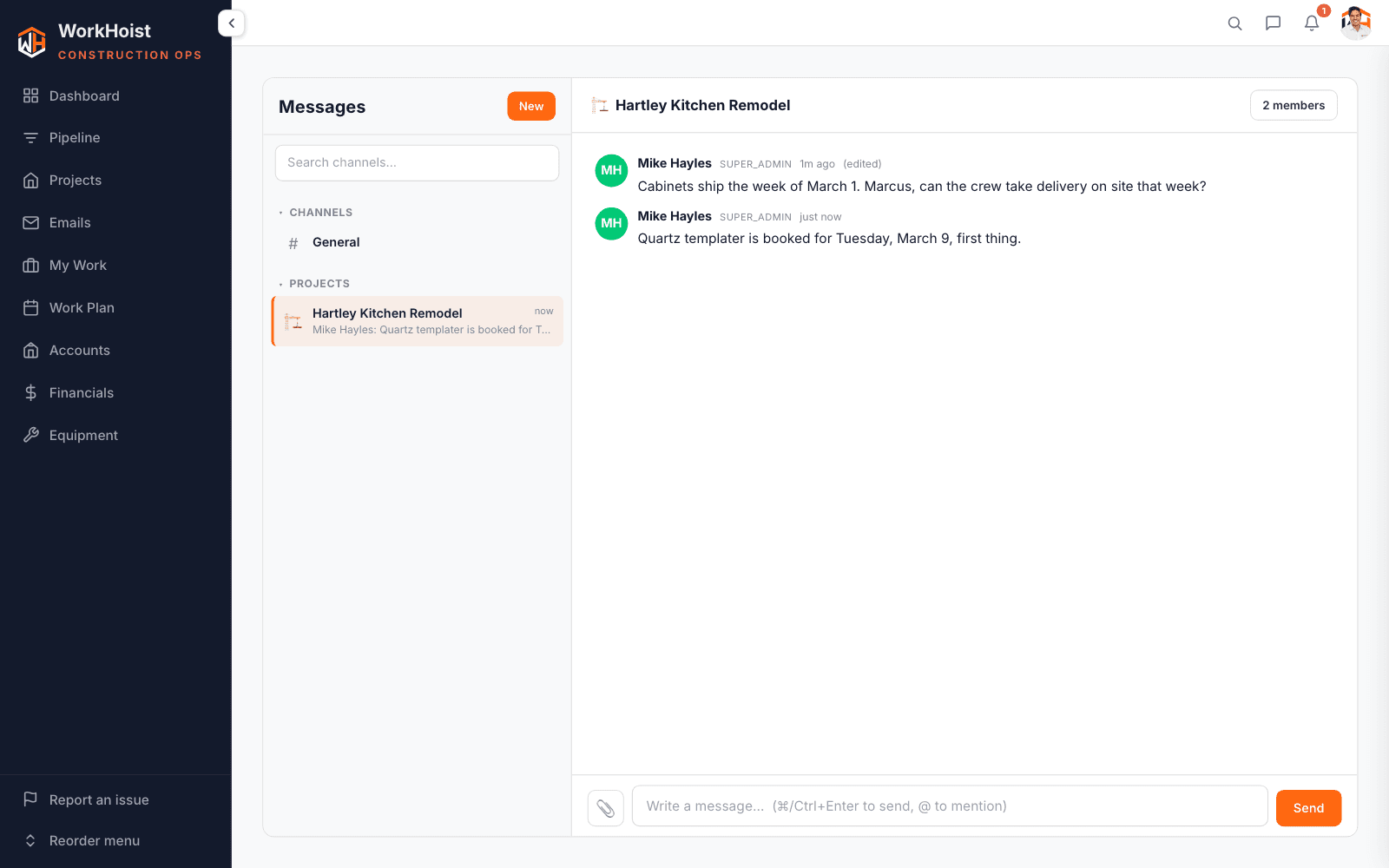
Company channels and direct messages sit beside the job chats, with unread counts on each.